What an MCP server is
The Model Context Protocol (MCP) is an open standard for connecting AI applications to the systems where a company's data and actions live. An MCP server is the piece you put in front of one of those systems (a CRM, an ERP, a database, an internal API) so that an assistant or agent can use it. The MCP documentation defines it in one line: "A program that provides context to MCP clients".
On the other side sits the host, which is the AI application itself. The documentation's examples are Claude Desktop, Claude Code and Visual Studio Code. The host opens one client connection per server. A server can run locally on someone's machine, or remotely over HTTP, where it typically serves many clients at once. For a company, the remote kind is the one that matters, because it can be run like any other internal service.
A server can expose three kinds of things. We quote the documentation:
- Tools: "Executable functions that AI applications can invoke to perform actions"
- Resources: "Data sources that provide contextual information to AI applications"
- Prompts: "Reusable templates that help structure interactions with language models"
In practice, tools carry most of the weight, and we design around them. Client support for the rest is uneven. Claude's connector documentation lists resource subscriptions and sampling among the features Claude doesn't yet support. Microsoft's Copilot Studio documentation says it "currently supports MCP tools and resources", which leaves prompts out.
How it differs from an API or a plugin
An API is written for a programmer, who reads the documentation once and writes code against it. An MCP server is written for a model that has never seen your system. The client asks the server for its list of tools and gets back names, descriptions and input schemas. The model then decides, in the middle of a conversation, which tool to call and with what arguments.
So an MCP server usually wraps an API. It doesn't replace one. The design work is different, though. A good server exposes a small number of tools named after tasks people actually do ("find the open orders for this customer"), where the underlying API might need four calls and two ID lookups to answer the same question. Mirroring every endpoint one to one is the most common mistake we see, and it produces servers that models use badly.
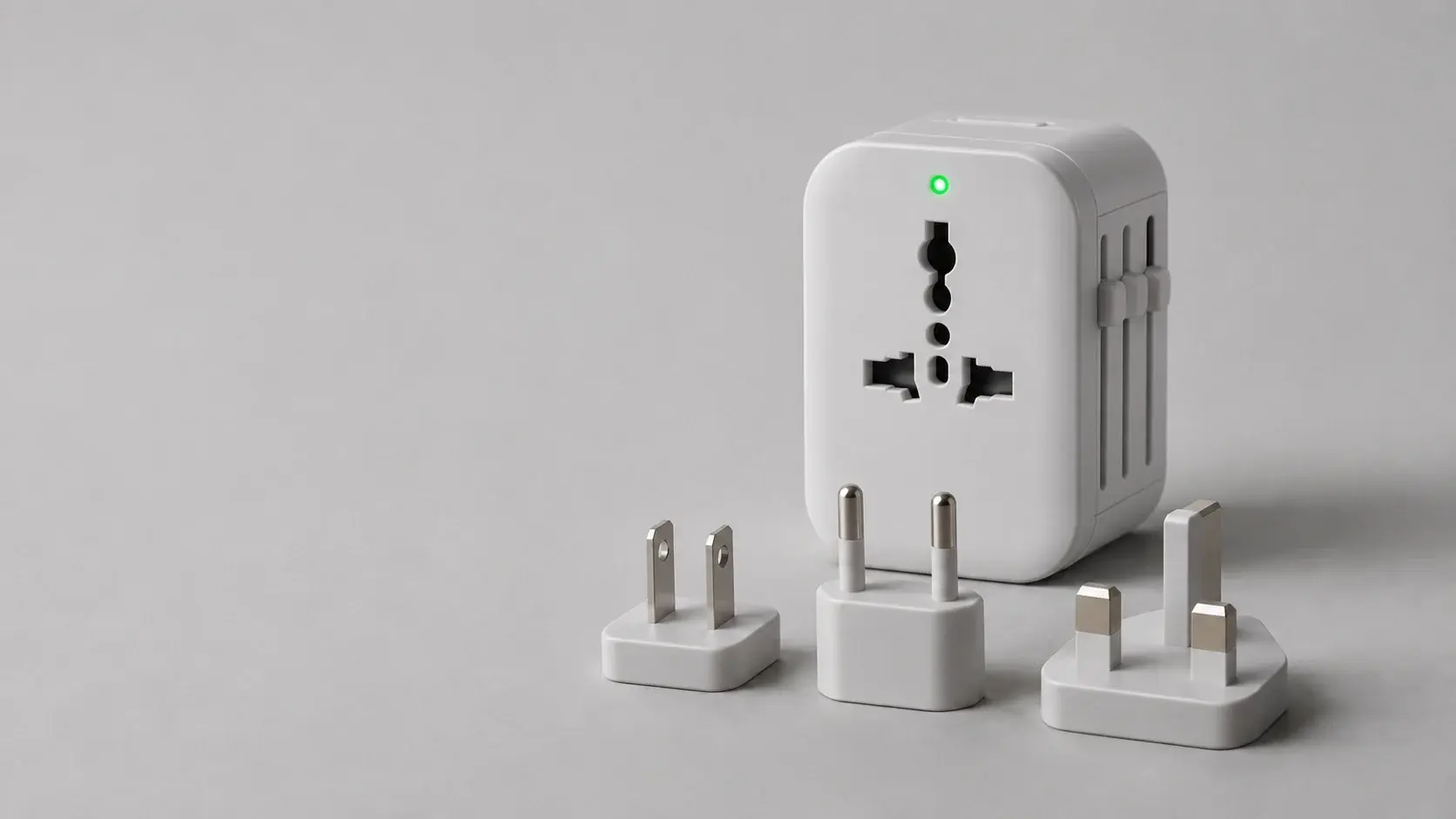
A plugin is built for one vendor's product. An MCP server is meant to work with any client that speaks the protocol, and by now that covers most of the assistants a company is likely to run. When the Linux Foundation announced the Agentic AI Foundation on December 9, 2025, with Anthropic's MCP among its founding project contributions, the press release said the protocol had been adopted by Claude, Cursor, Microsoft Copilot, Gemini, VS Code and ChatGPT, among other platforms, and counted "more than 10,000 published MCP servers". For a buyer, the governance matters more than the server count: the protocol no longer belongs to one model vendor.
The portability has limits. Each client implements its own subset. Tools are the most widely supported primitive, but each target client still needs compatibility checks for transport, authorization, schemas and results.
What it lets an assistant do inside a company
Without a connection to your systems, an assistant can only work on what someone pastes into it. With an MCP server in front of the helpdesk, it can read the ticket, look up the customer's order and draft the reply.
Our own example is ad operations. We maintain an open-source Google Ad Manager MCP server that started as an internal automation. Its README gives the kind of request it handles: "Check which orders are currently delivering", or creating a campaign with an end date, typed as a sentence to Claude where an ad ops person would otherwise click through the Ad Manager interface.
The same server serves an autonomous agent as well as a person in a chat window. That is why we treat custom MCP servers as their own stage in our AI deployment program, ahead of the skills and agents built on top of them.
Signs you need one
The clearest sign is that several AI clients need the same internal system. Support uses one assistant, engineering uses a coding agent, and a scheduled agent runs reports overnight. If each one gets its own integration, you maintain three copies of the same access logic and three places where a permission can drift.
The second sign is repetition. If your team has written the "let the model query the order database" glue more than twice, in different codebases, the third time should be a server.
The third is a need for one place to enforce permissions and keep an audit trail. When every AI client reaches the ERP through the same server, there is one component to review, one log to search and one switch to turn off during an incident.
Signs you do not
If you have one application calling one API from code you control, you don't need a protocol in the middle. Define the function in your application and pass it to the model directly. An MCP server there buys you a second service to deploy and no new capability.
If there's no model deciding what to call, MCP is the wrong tool. A nightly sync between two systems is a data pipeline, and a webhook that creates an invoice is ordinary integration code. Both are cheaper and more predictable without an agent in the loop.
And if the vendor of the system already ships a maintained server, use theirs. They will track API changes faster than you will.
We'd add a cost that gets little attention. Every tool a server exposes has a name, a description and a schema that the model has to read, so a sprawling server spends context and makes tool selection worse. A small server that does five things well beats a complete one.
Build one or use an existing one
Start by looking for a server from the vendor, then check three things before connecting it: who maintains it, how it authenticates, and whether it can write. A community server with a personal API key pasted into a config file is fine for a prototype and wrong for production.
Building makes sense in three situations. The system is your own, so nobody else will write the server. The vendor's server exposes more than you want an agent to touch. Or the task spans several systems, and you want one tool that answers a business question instead of making the model stitch four calls together.
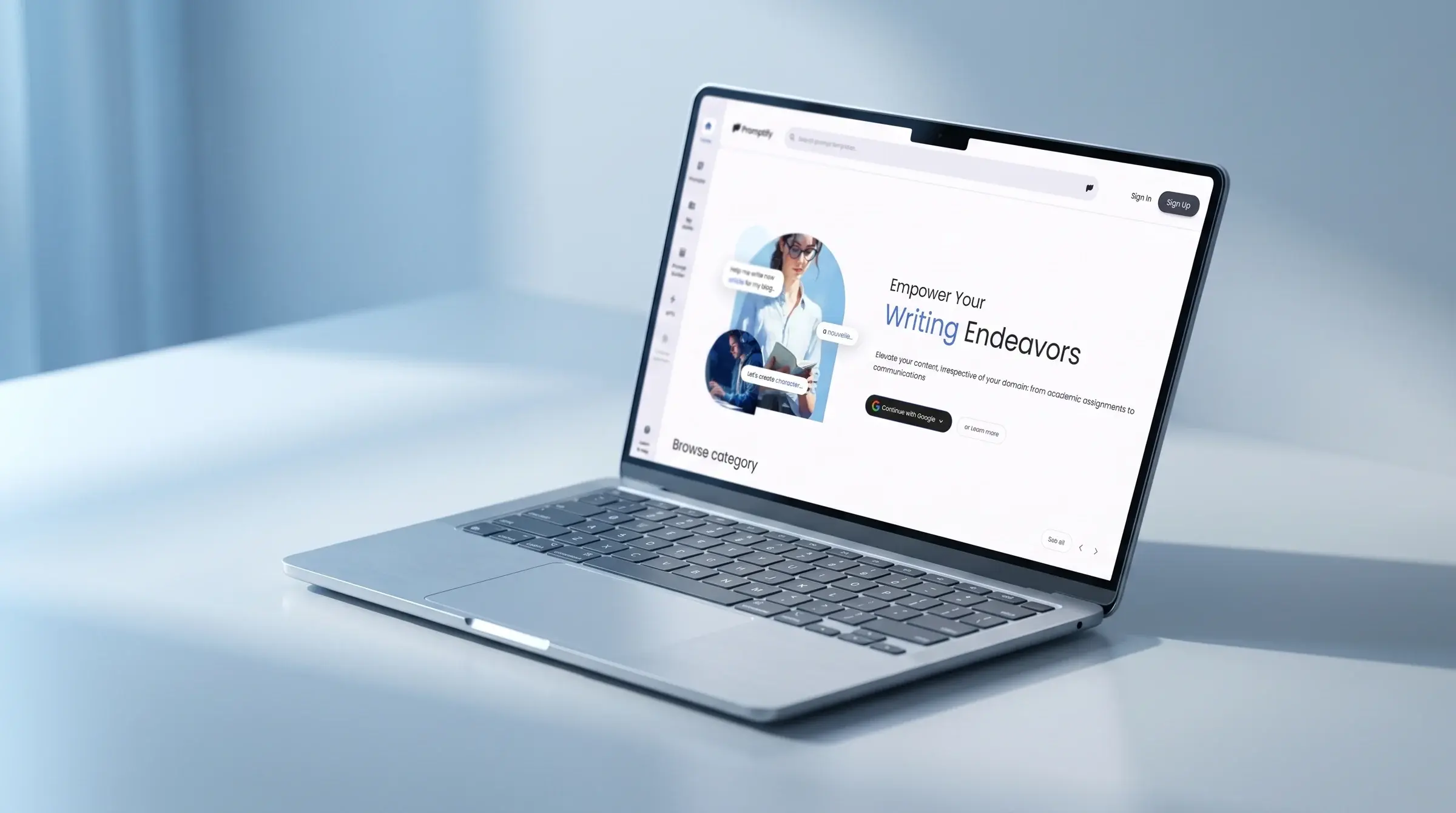
When we build one, we keep the protocol layer thin: plain functions that hold the business logic, with MCP as an adapter over them. It's the same principle we applied on Promptify, where several model providers sit behind one execution engine and adding a provider is a backend change, not a product change. An MCP server gives you a similar property from the other direction. A compatible client can reuse the same business logic, though connecting it may require authentication changes and client-specific testing.
What it takes to run one safely
Authentication. For remote servers, the MCP documentation recommends OAuth. Its security best practices add a rule worth repeating to whoever builds yours: "MCP servers MUST NOT accept any tokens that were not explicitly issued for the MCP server." The same page lists wildcard and omnibus scopes among the common mistakes.
Read and write separation. MCP lets a server label a tool as read-only or destructive. The maintainers are clear about what those labels are worth. In a March 2026 post on tool annotations, they write: "Every property is a hint", and "They aren't enforcement." So we separate at the credential level. Read tools run on a read-only credential, and write tools sit behind their own scope or their own server.
Confirmation on writes. Hosts handle approval prompts differently, so don't rely on the client alone. For anything that spends money, sends a message or deletes data, we split the tool in two: one call prepares a draft and returns a handle, and the commit only goes through once an authorized person has approved that exact draft in a trusted approval flow outside the conversation. The server checks the approval before committing, binds it to the caller and the unchanged draft, and lets it expire after one use. An agent calling both tools on its own is not human confirmation.
Logging. For every tool call, record the caller, the tool, the timestamp, the authorization decision and the outcome, in the log pipeline you already run. Log only the argument fields an audit needs, redact secrets and personal data, and put access controls and retention limits on the logs themselves.
Inventory. In May 2026 the NSA's AI Security Center published a cybersecurity information sheet on MCP. We couldn't load the sheet itself, so we rely on ExecutiveGov's summary, which reports the agency's warning that these risks "cannot be patched at isolated endpoints". Our interpretation is practical: keep a list of every server, the tools it exposes, the credentials it holds, and which agents can reach it.
Our Ad Manager server's README documents a bearer token checked on every tool call and logging of authentication failures. That's the floor for a server on a network. One that can change live ad delivery deserves the rest of this list too.
The release calendar, and what to build on now
The current specification is dated July 28, 2026. We covered what it changed in our guide to the stateless spec.
The schedule after that is now predictable. SEP-3398, accepted on October 14, 2026, sets specification releases every six months, "generally on the last Tuesday of March and September". It moves the release previously targeted for December 2026 to March 30, 2027, "subject to confirmation in the transition calendar".
Our advice for a server started today: build on the 2026-07-28 spec with an official SDK, and test against the clients your people actually use. Clients lag the spec. Claude's connector documentation, for instance, still lists the authorization specifications it follows as 2025-03-26, 2025-06-18 and 2025-11-25. Then put two reviews a year in the calendar, one after each March and September release.
If you're weighing whether a system in your stack deserves a server, or already have three integrations that should have been one, tell us which systems are involved.
Sources
- Architecture overview, Model Context Protocol documentation (2026-07-28 version), accessed November 11, 2026
- Build an MCP server for Claude, Claude documentation, accessed November 11, 2026
- Extend your agent with Model Context Protocol, Microsoft Learn (Copilot Studio), August 26, 2026
- Linux Foundation announces the formation of the Agentic AI Foundation (AAIF), Linux Foundation, December 9, 2025
- Security best practices, Model Context Protocol documentation (2026-07-28 version), accessed November 11, 2026
- Tool annotations as risk vocabulary: what hints can and can't do, Model Context Protocol blog, March 16, 2026
- NSA urges stronger security measures for Model Context Protocol deployments, ExecutiveGov, May 21, 2026 (secondary coverage of the NSA AI Security Center's information sheet, which we could not open directly)
- SEP-3398: Release cycle updates, Model Context Protocol, accepted October 14, 2026
- Google Ad Manager MCP server, Matious on GitHub